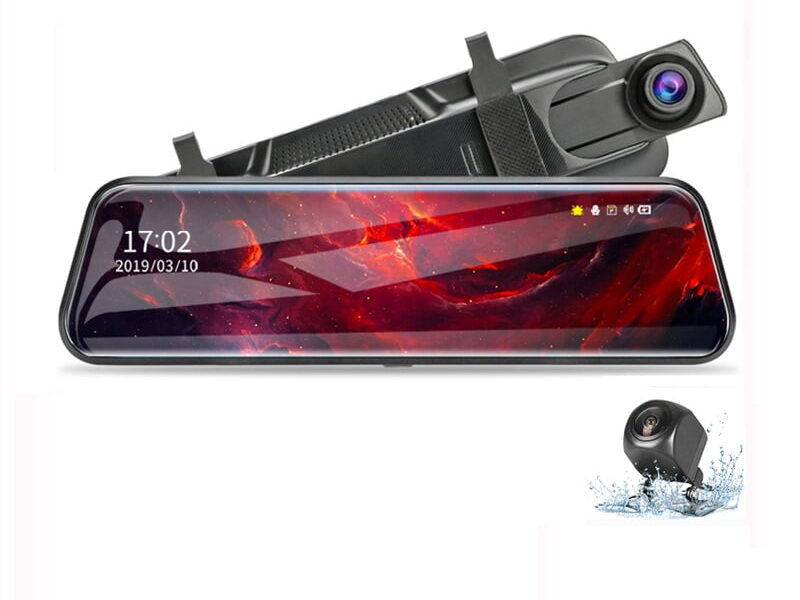

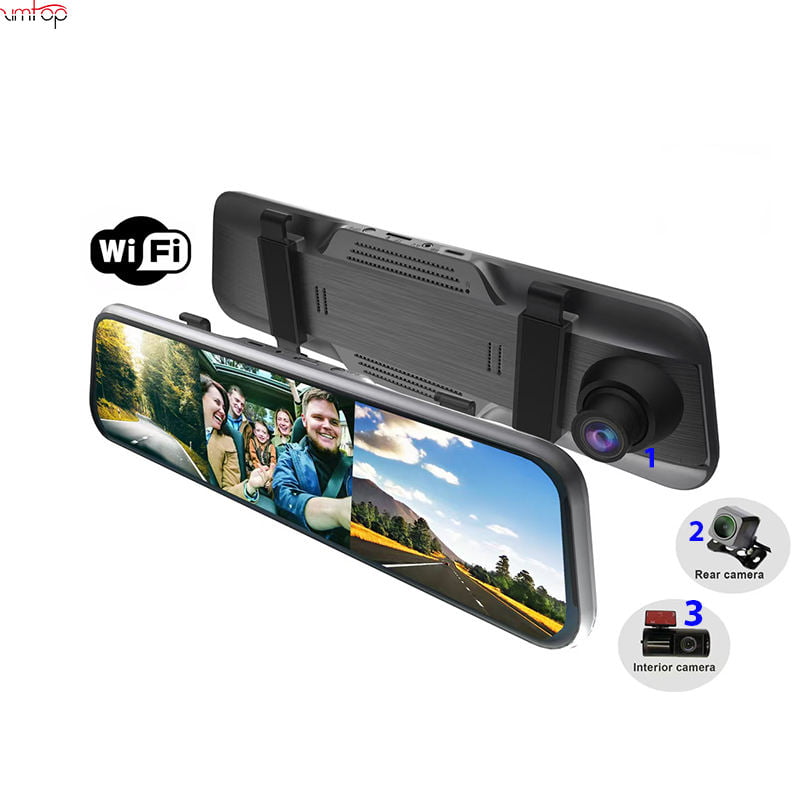


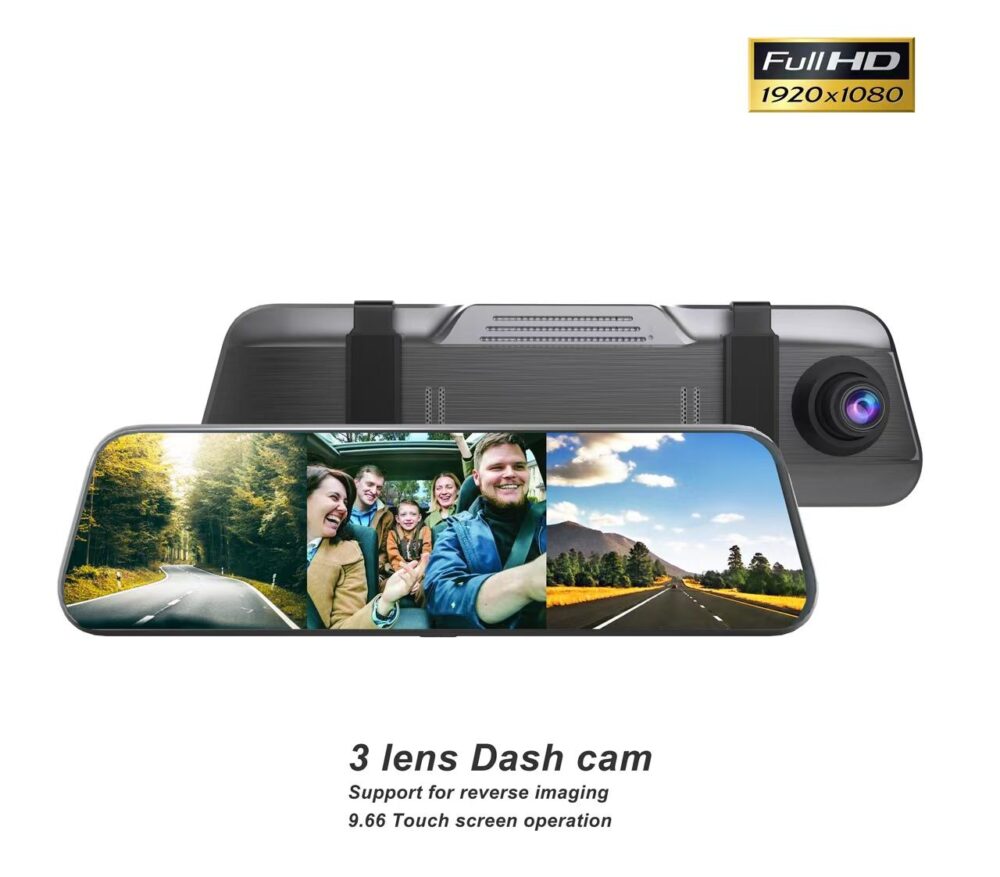
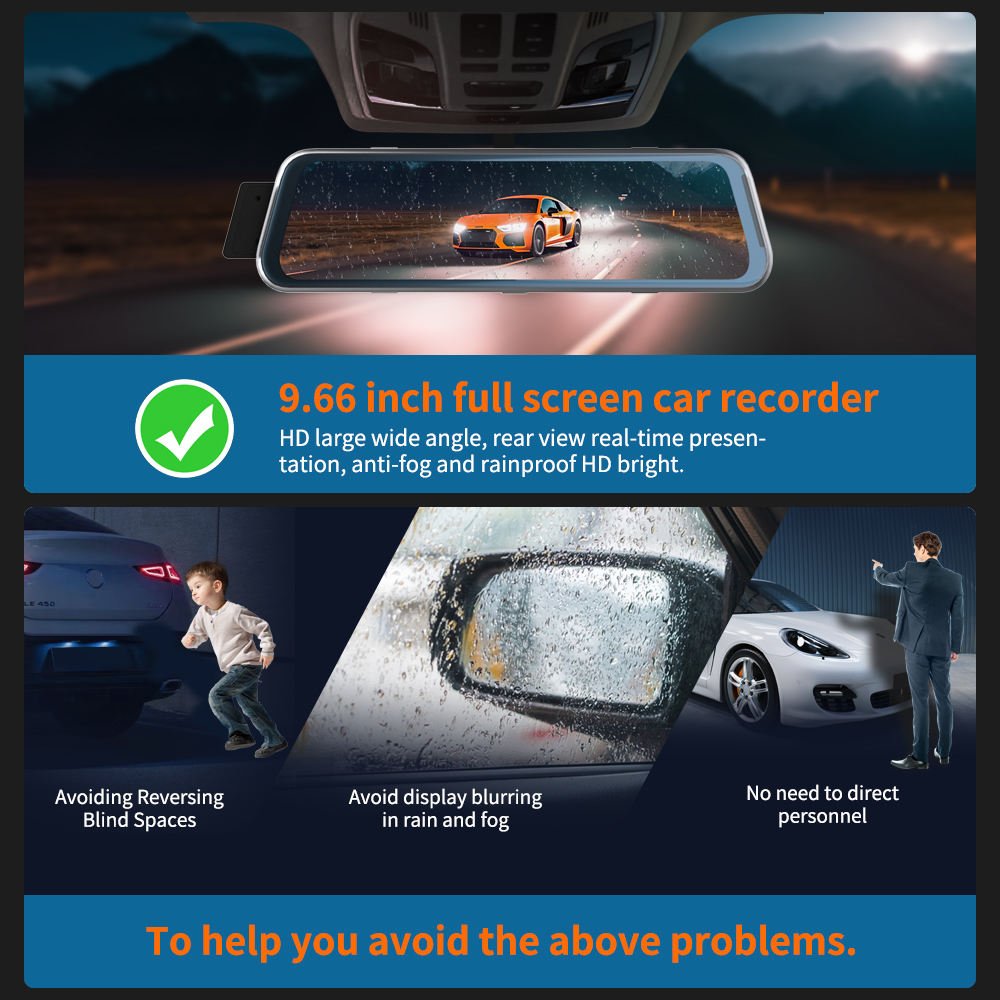
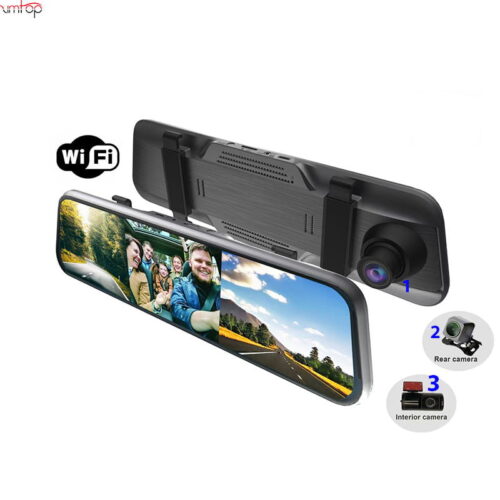
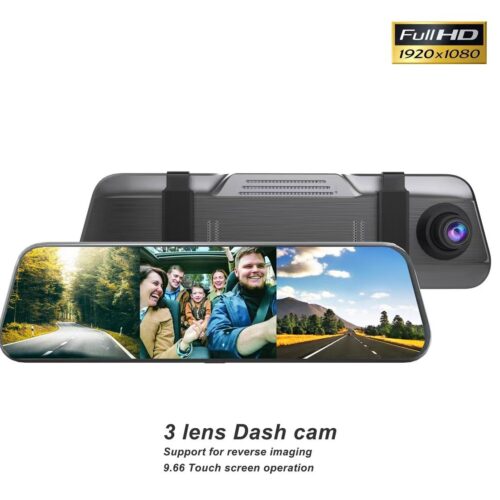
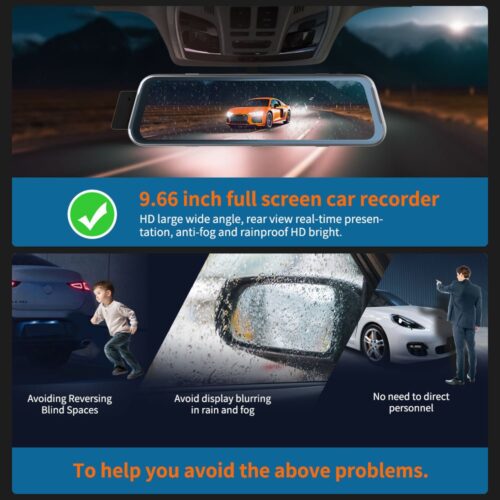
2024 10″ 3 凸輪WiFi應用程序控制車後視鏡IPS DVR相機全高清汽車儀表板攝像機攝像機
為什麼選擇我們
- 阿里巴巴頂洪水
- 約100pcs製作自己的品牌
- 12 保固一個月
2024 10″ 3 凸輪WiFi應用程序控制車後視鏡IPS DVR相機全高清汽車儀表板攝像機攝像機
支援的記憶卡: Supports up to 128G card(not include)
重要提醒: 由於高清硬碟錄影機的高速儲存要求, please ensure to use high-quality U3 grade
branded memory cards with C10 speed. Some low-quality low-priced memory cards on the market may not support DVR to function
properly.關於格式化記憶卡:
首次安裝記憶卡時, 請務必在 DVR 上格式化記憶卡. 格式化後, 硬碟錄影機能正確搭配記憶卡.
格式化步驟: 安裝記憶卡後, 請進入DVR選單, 找到格式選項, and click to format the memory card.(重要的: 在電腦上格式化記憶卡是錯誤的操作. 請務必在 DVR 的選單選項中格式化記憶卡。)
重要提醒: 由於高清硬碟錄影機的高速儲存要求, please ensure to use high-quality U3 grade
branded memory cards with C10 speed. Some low-quality low-priced memory cards on the market may not support DVR to function
properly.關於格式化記憶卡:
首次安裝記憶卡時, 請務必在 DVR 上格式化記憶卡. 格式化後, 硬碟錄影機能正確搭配記憶卡.
格式化步驟: 安裝記憶卡後, 請進入DVR選單, 找到格式選項, and click to format the memory card.(重要的: 在電腦上格式化記憶卡是錯誤的操作. 請務必在 DVR 的選單選項中格式化記憶卡。)
支援的語言:
英語, 中國人, 韓國人, 日本人, 俄文, 西班牙語, 法語, 德文, 義大利語, 土耳其, 阿拉伯, 葡萄牙語, 荷蘭語, 希伯來文, 拋光.
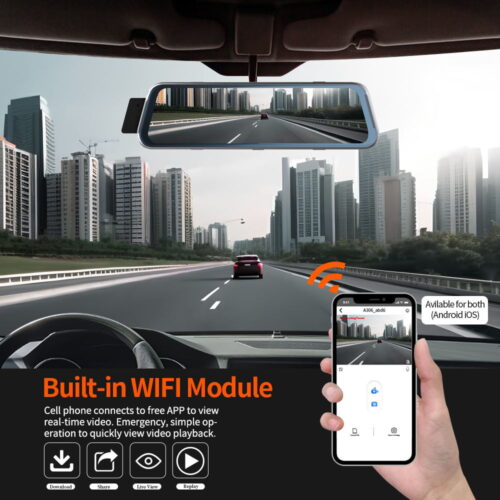
關於WIFI連接:
在手機上連接 DVR 之前, 需安裝WIFI連線app “燈塔APP” in advance.You can
search for “惡作劇者” 在 Apple App Store 或 Google App Market 中安裝.
步驟:
(1) 進入DVR選單並進入WIFl設定選單,啟用 WiFi 功能;
(2)在 DVR 的 wifi 選單中, 檢查取得wifi SSID名稱和密碼;
(3)打開 “惡作劇者” 手機上的應用程式, 進入配置模式, 開啟手機的wifi功能, follow the prompts
to find the SSID wifi signal of the DVR and enter the password to connect;
(4)配置成功後, 您可以透過以下方式連接和操作 DVR: “惡作劇者” 應用程式.
關於倒車輔助功能:
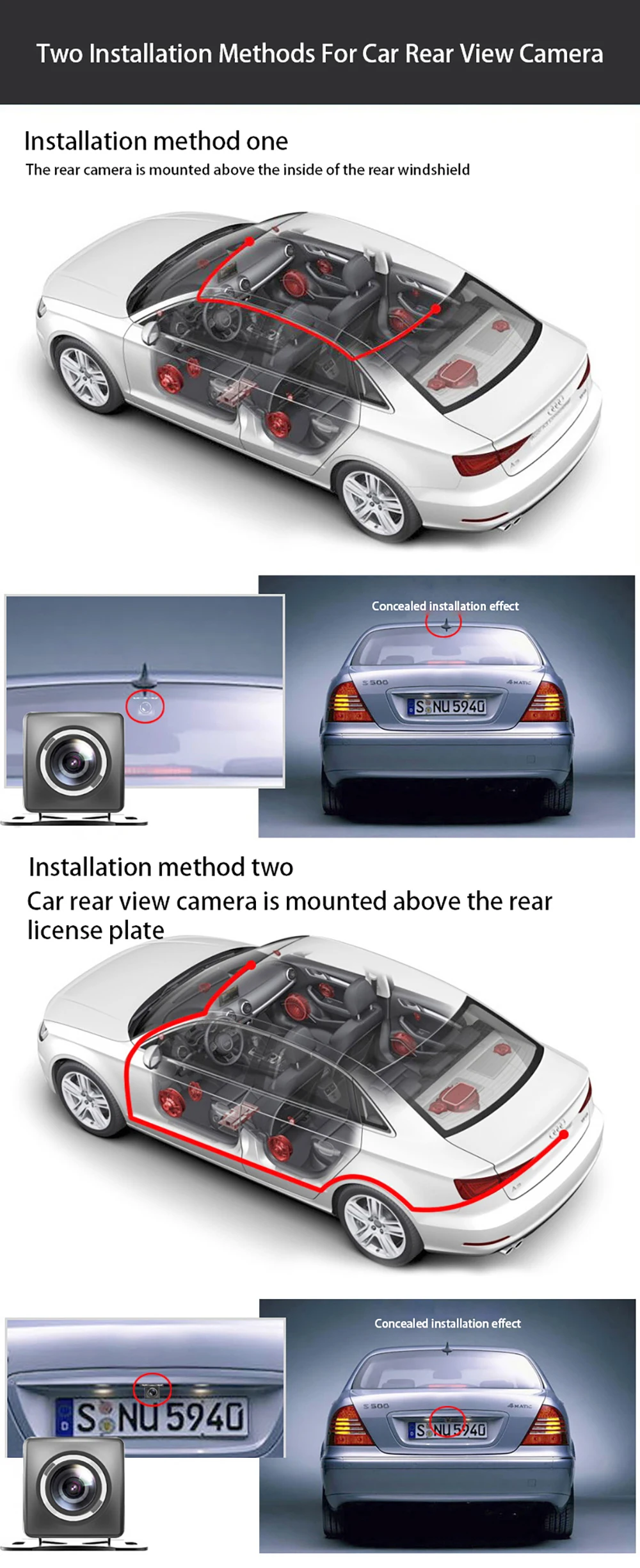
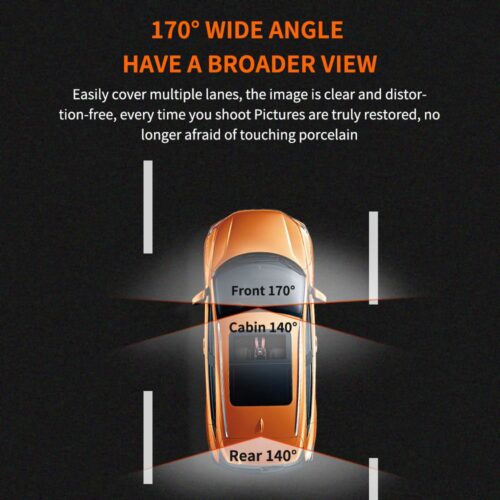
如果您訂購的套件包含後視攝影機並且您需要實現倒車輔助功能, you need to connect the
red signal wire of the rearview camera to the car’s reversing light (倒車時燈會亮). If you don’t need the
reverse assist function, 只需斷開紅色信號線並將其懸空即可.
關於24小時停車監控:
如果您需要 24 小時停車監控功能, you can order the corresponding Buck Line accessories to replace the car
charger.Through Buck Line, DVR電源可直接從汽車電池或汽車ACC獲取, so that the DVR can maintain
normal recording work even when the car is turned off.(Since different car models have different battery interfaces or ACC
interfaces, 不建議自行安裝. 建議找專業人士安裝降壓線。)
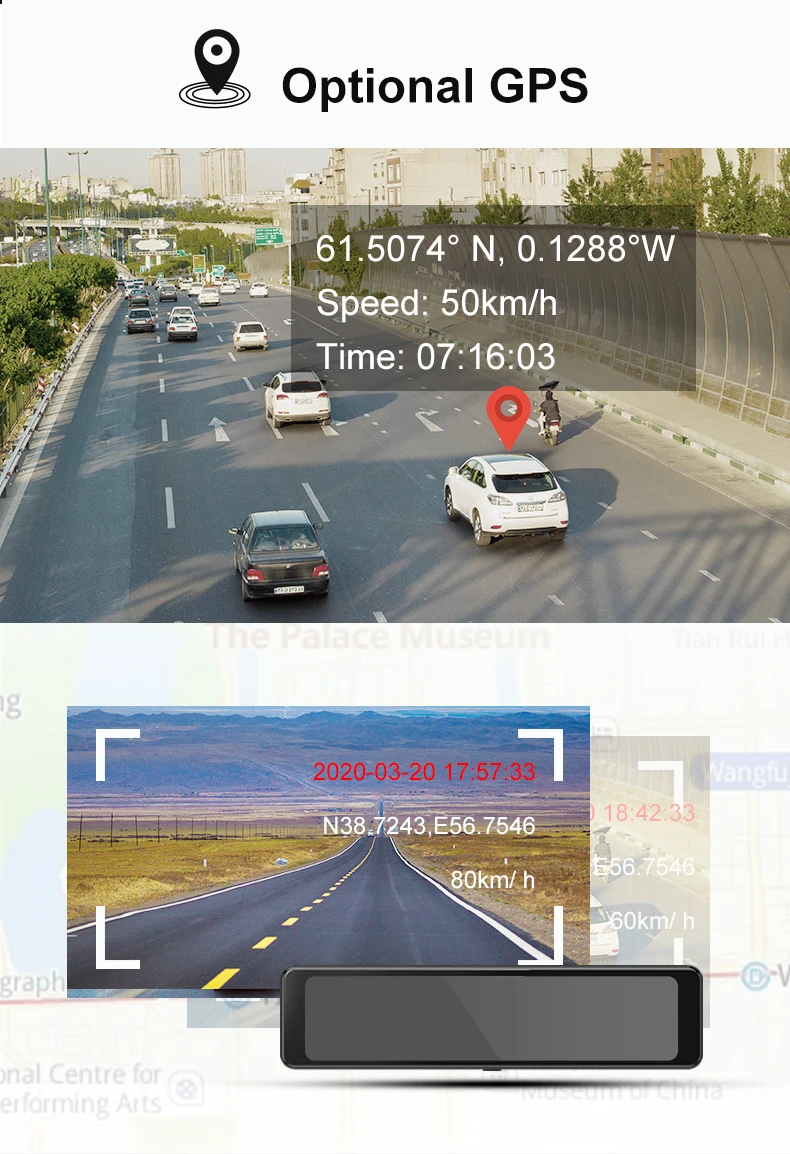
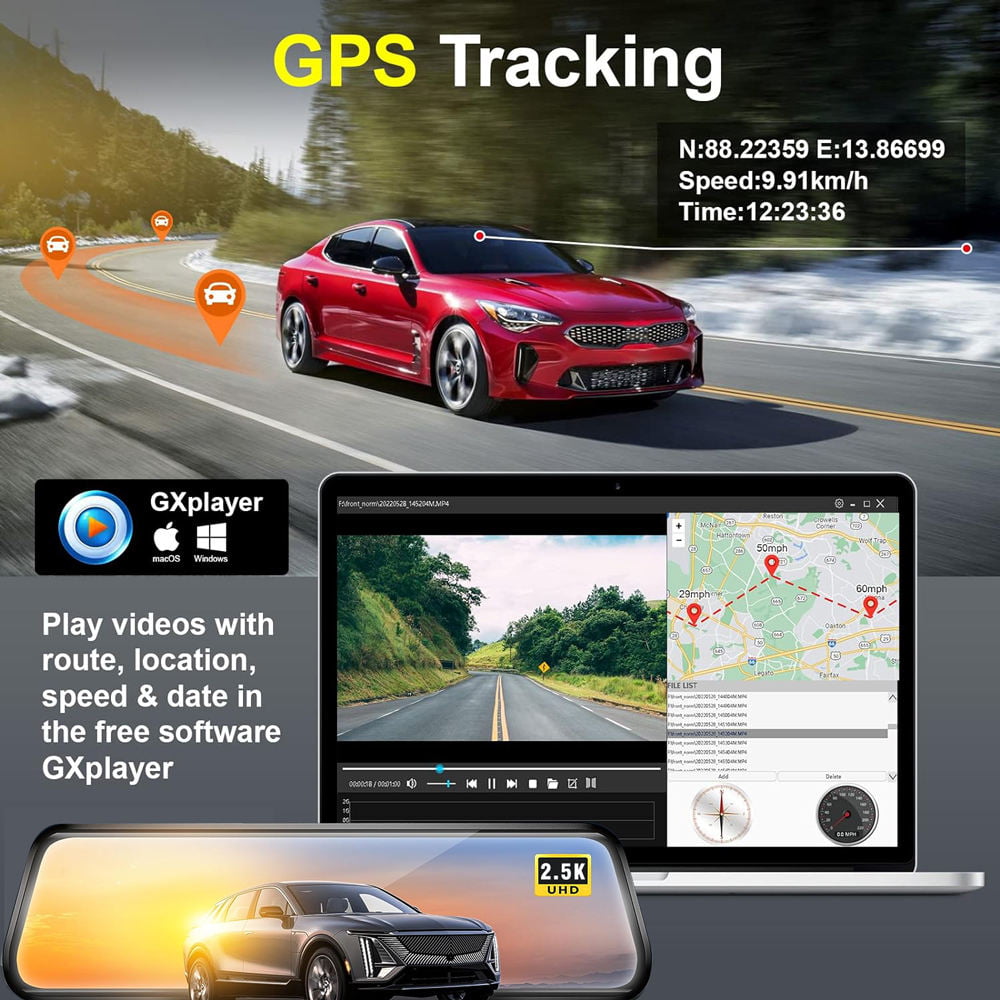
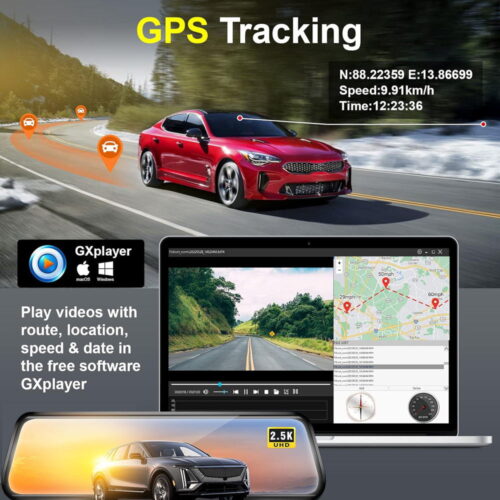
About The Installation And Use Of GPS(GPS price add USD2 ):
1. Connect the GPS module to the DVR and turn on the GPS function in the DVR menu settings;
2. Install the DVR on the car and start the recording mode. Start the car outdoors and drive for a certain distance. The GPS
module will automatically capture the satellite signal and the DVR will automatically record the video with the GPS driving track.
產品描述