


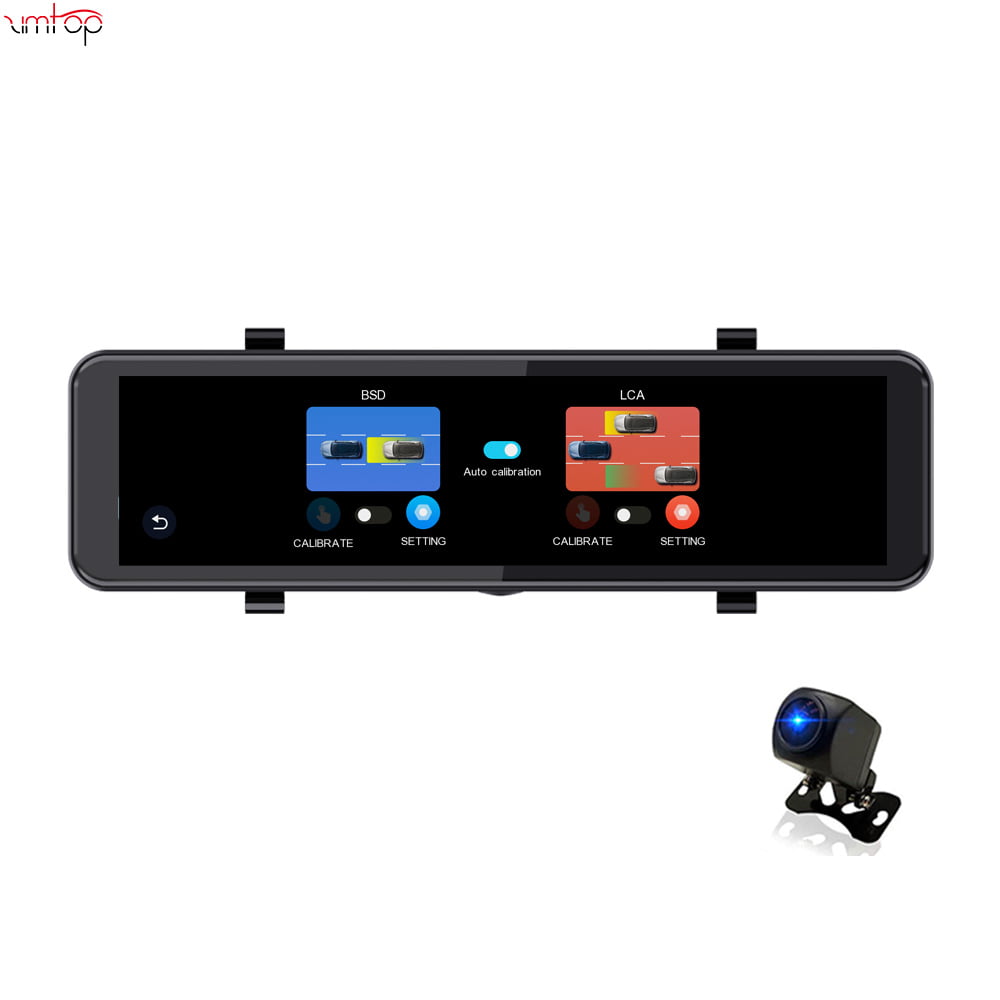


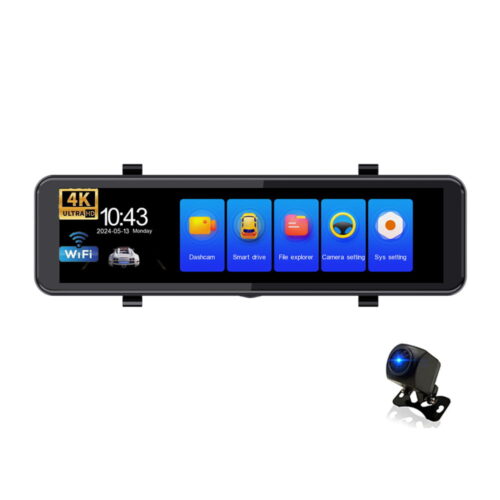
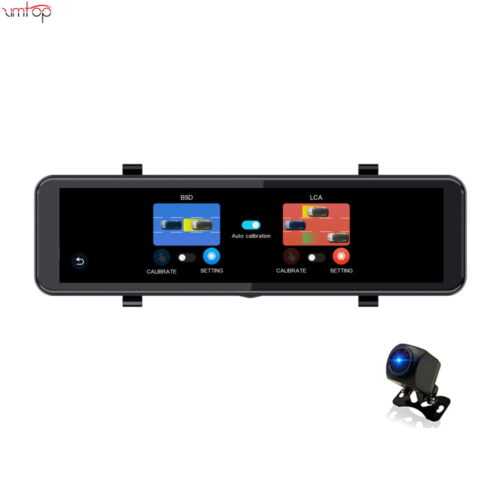
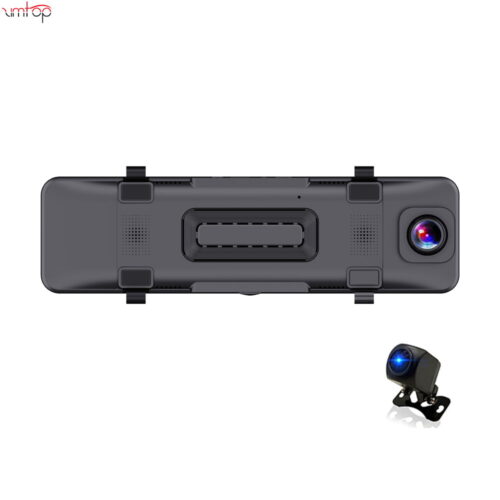
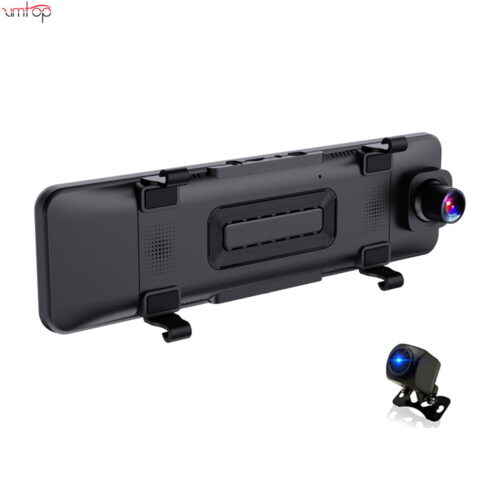
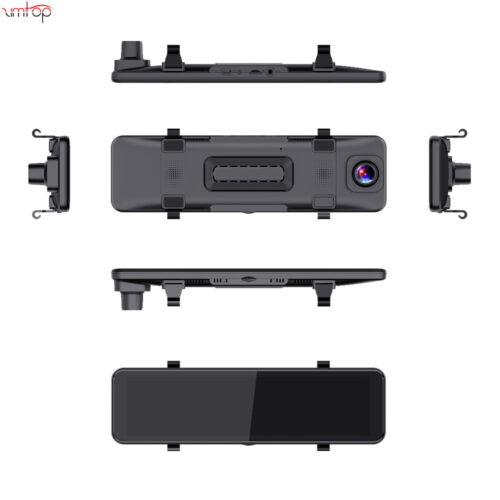
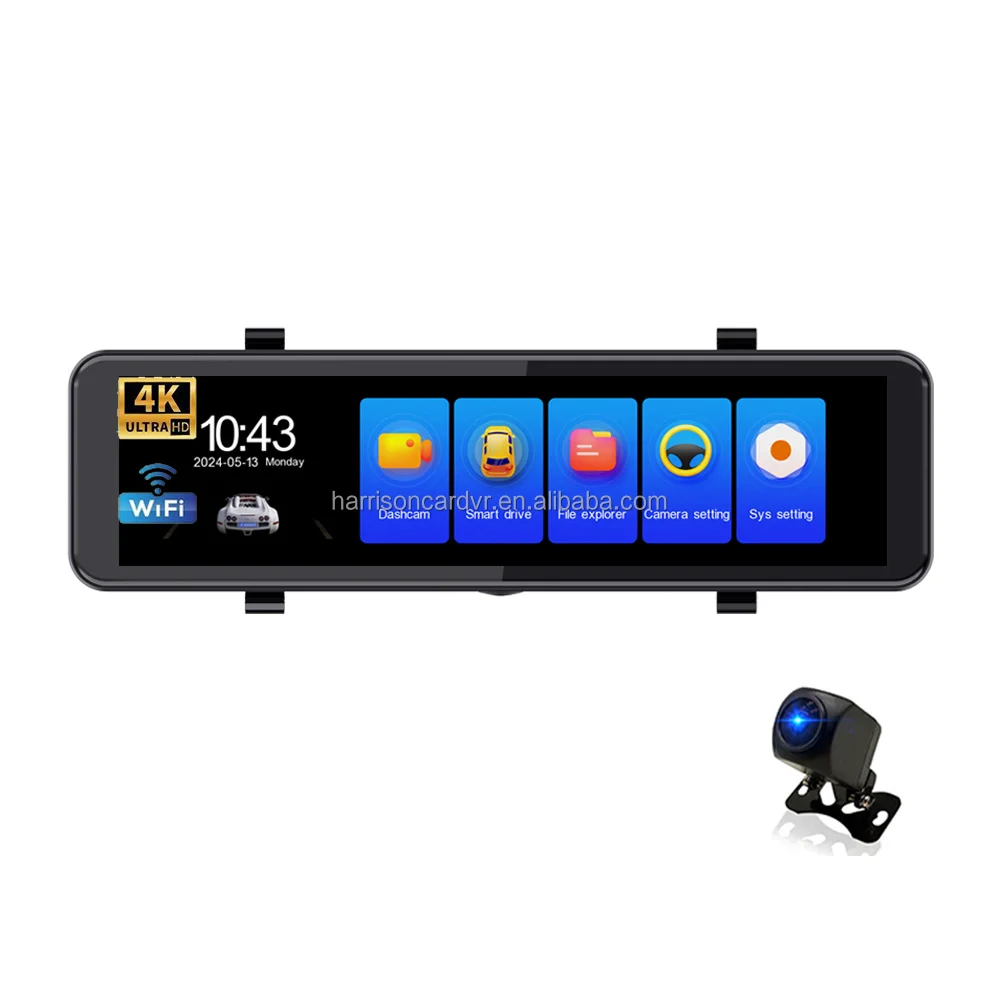
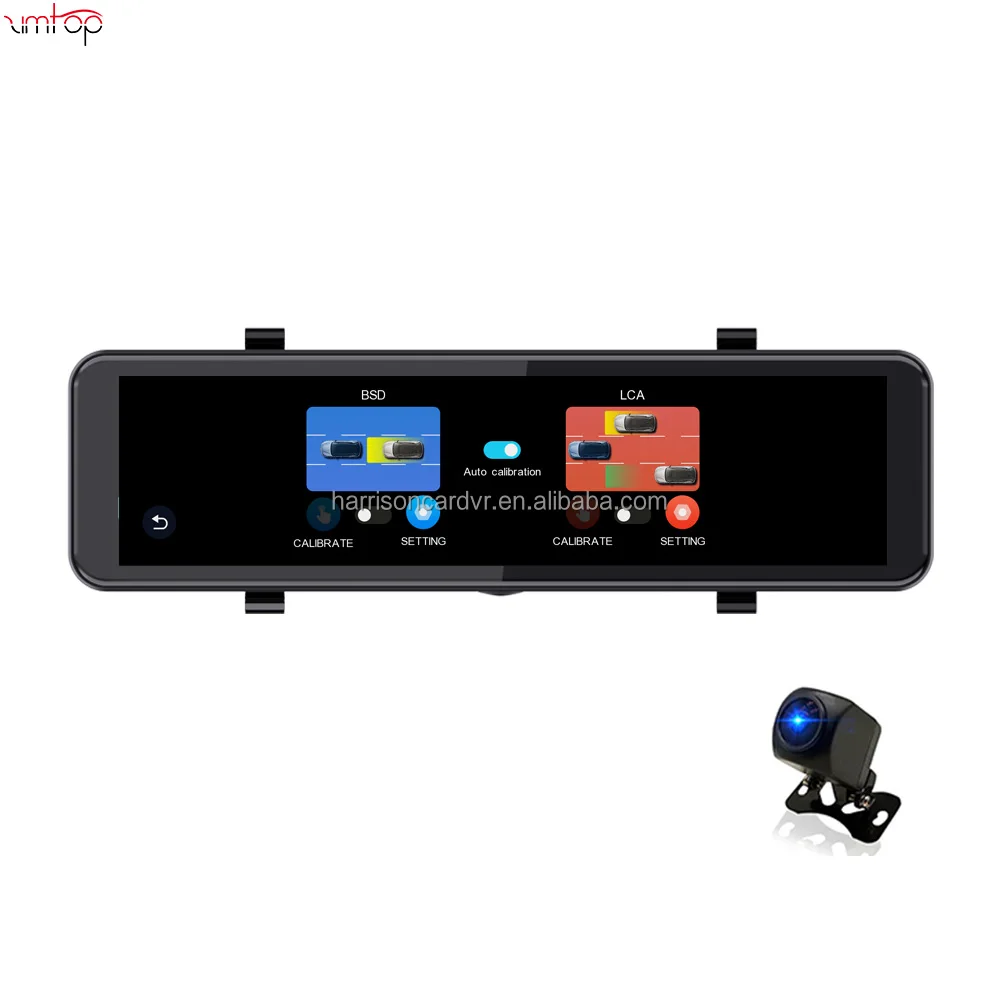
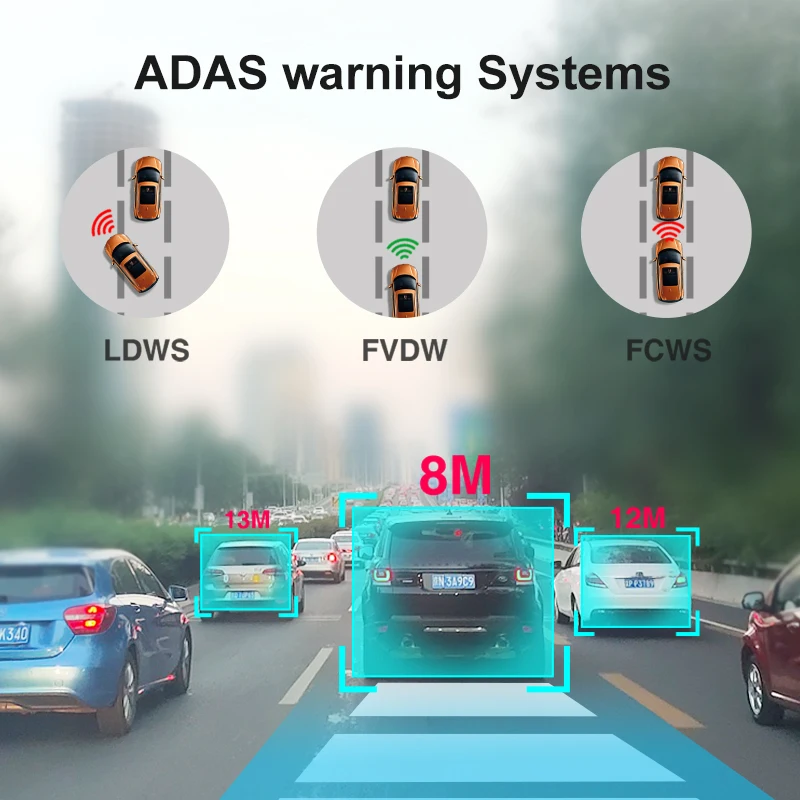
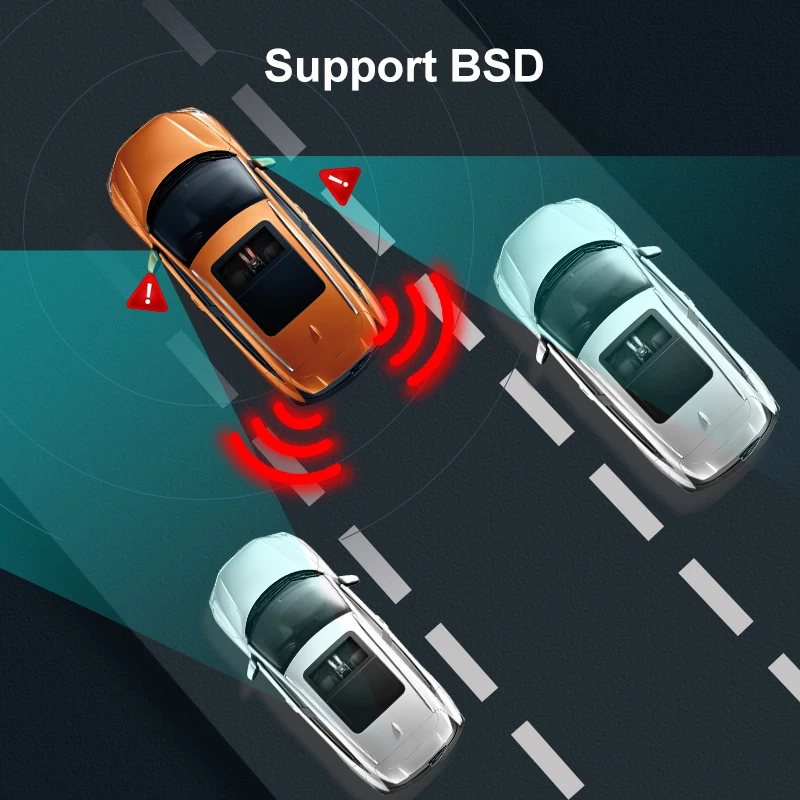
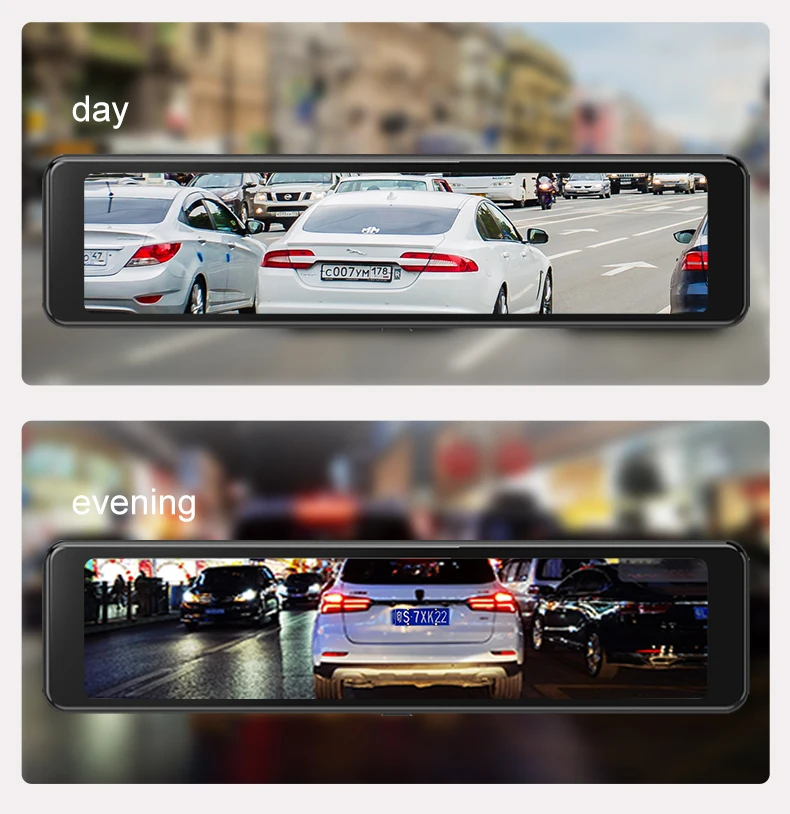
2024 11″ 汽车后视镜 IPS 4K ADAS DVR 摄像头 LCA 全高清 2162P 行车记录仪支持 BSD 摄像头
为什么选择我们
- 阿里巴巴畅销书
- 起订量 100 件 打造您自己的品牌
- 12 保固月
芯片组:V853 |
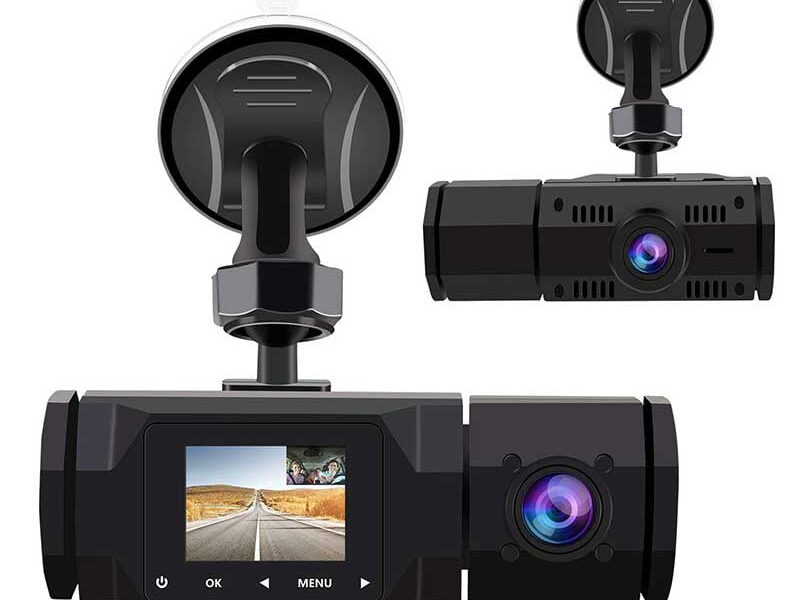
相机 :2 相机循环记录 |
Carplay 安卓汽车: 支持 |
触摸屏:支持 |
2024 11″ 汽车后视镜 IPS 4K ADAS DVR 摄像头全高清 2162P 行车记录仪支持 BSD 摄像头
ADAS 和 BSD 新
支持的语言:
英语, 中国人, 韩国人, 日本人, 俄语, 西班牙语, 法语, 德语, 意大利语, 土耳其, 阿拉伯, 葡萄牙语, 荷兰语, 希伯来语, 抛光.
支持的存储卡: 32G/64G/128G/256G
重要提醒: 由于高清硬盘录像机的高速存储要求, 请确保使用C10速度的优质U3级品牌存储卡. 市场上一些低质低价的存储卡可能不支持DVR正常工作.
关于格式化存储卡:
首次安装存储卡时, 请务必在 DVR 上格式化存储卡. 格式化后, 硬盘录像机能正确匹配存储卡.
格式化步骤: 安装存储卡后, 请进入DVR菜单, 找到格式选项, 然后点击格式化存储卡. (重要的: 在电脑上格式化存储卡是错误的操作. 请务必在 DVR 的菜单选项中格式化存储卡。)
关于WIFI连接:
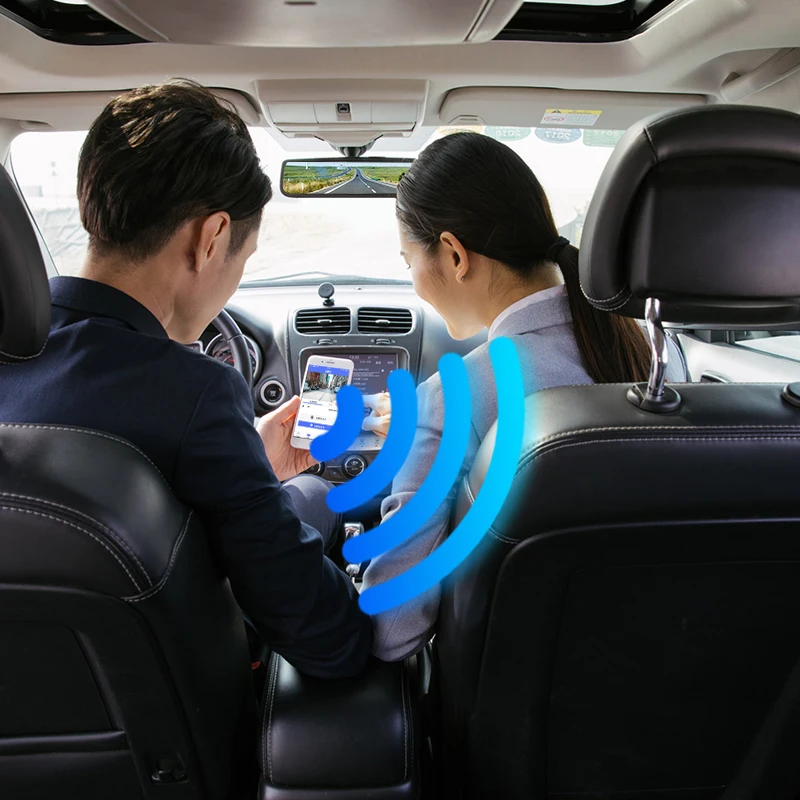
在手机上连接 DVR 之前, 需要安装WIFI连接app “灯塔APP” 提前. 您可以搜索 “恶作剧者” 在 Apple App Store 或 Google App Market 中安装.
步骤:
(1) 进入DVR菜单并进入WIFl设置菜单,启用 WiFi 功能;
(2)在 DVR 的 wifi 菜单中, 检查获取wifi SSID名称和密码;
(3)打开 “恶作剧者” 手机上的应用程序, 进入配置模式, 打开手机的wifi功能, 按照提示找到硬盘录像机的SSID wifi信号并输入密码进行连接;
(4)配置成功后, 您可以通过以下方式连接和操作 DVR: “恶作剧者” 应用程序.
关于倒车辅助功能:
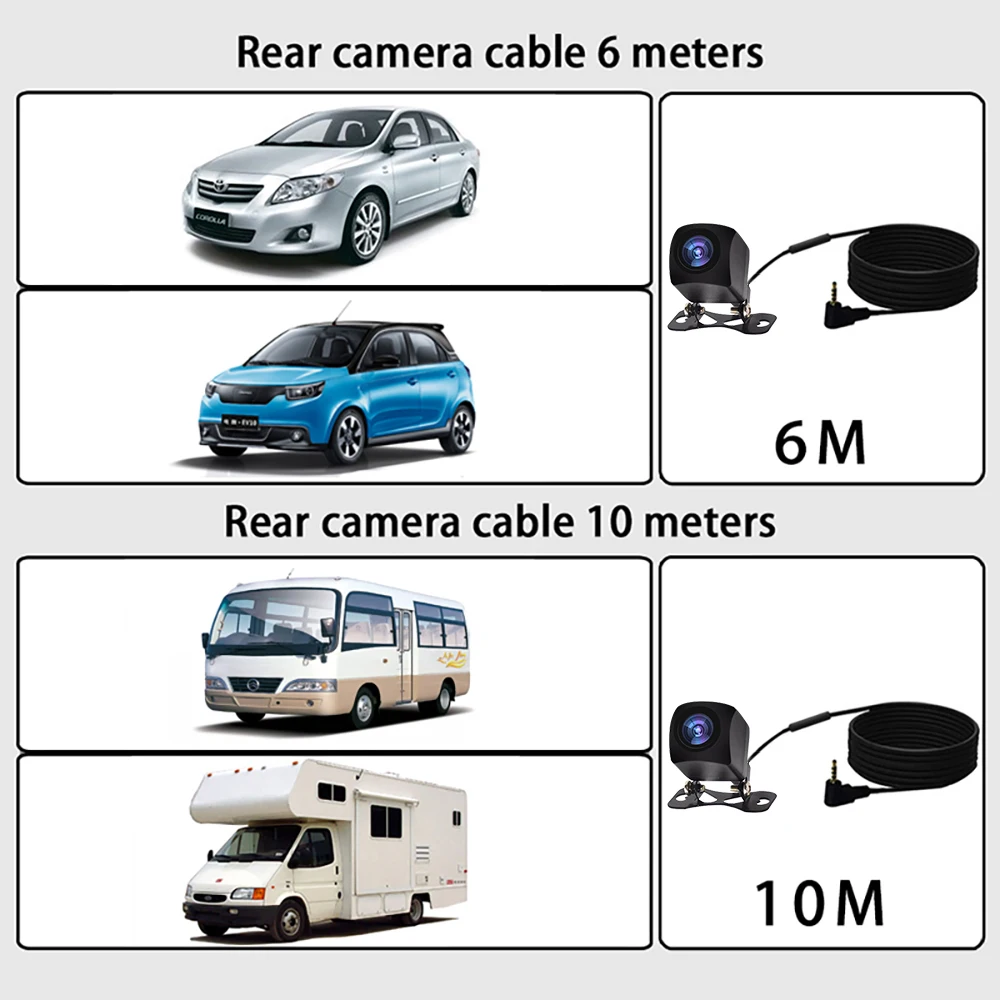
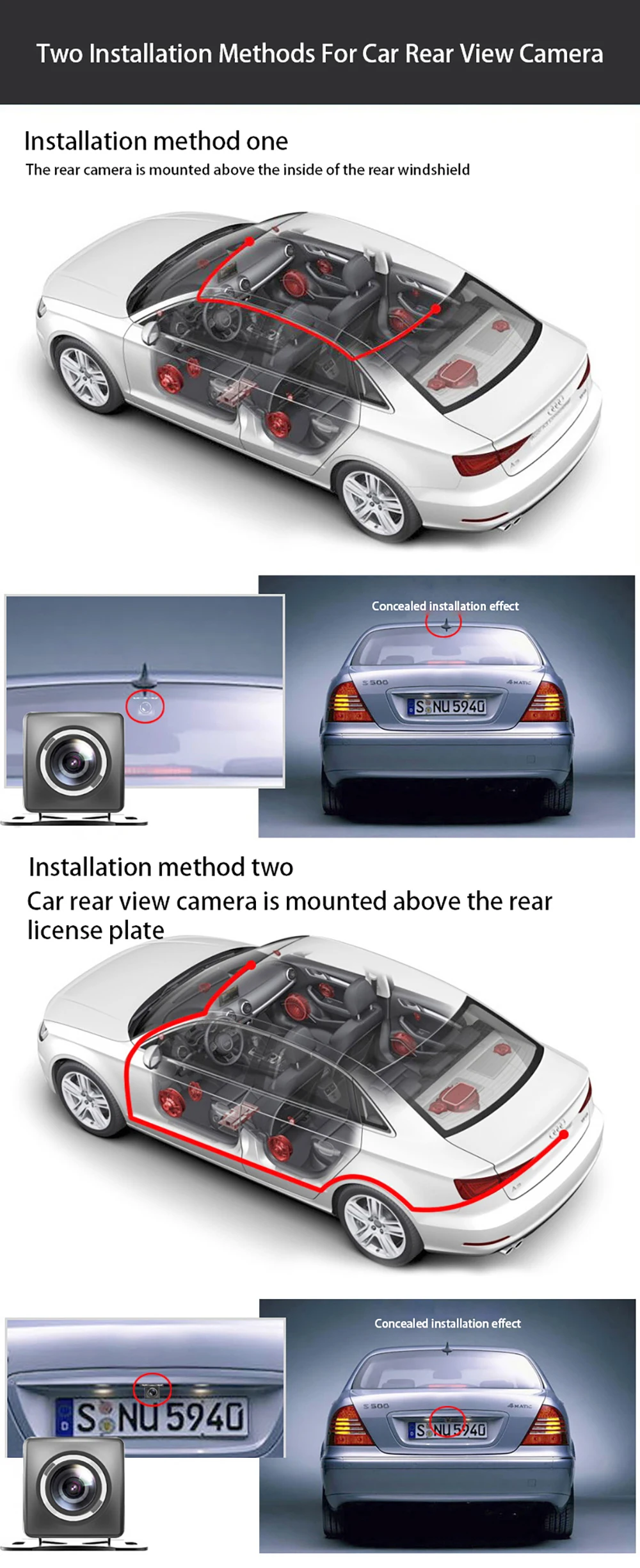
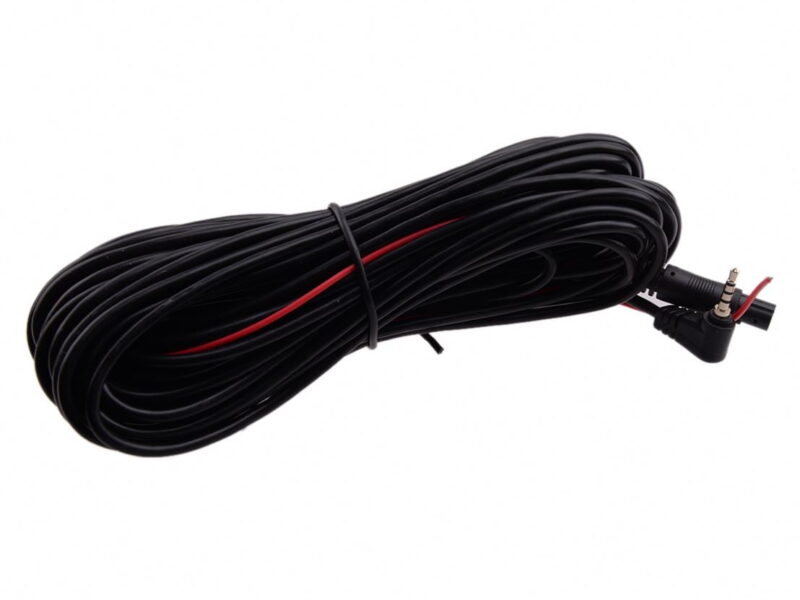
如果您订购的套件包含后视摄像头并且您需要实现倒车辅助功能, 您需要将后视摄像头的红色信号线连接到汽车的倒车灯 (倒车时灯会亮). 如果您不需要倒车辅助功能, 只需断开红色信号线并将其悬空即可.
关于24小时停车监控:
如果您需要 24 小时停车监控功能, 您可以订购相应的Buck Line配件来替换车充. 通过降压线, DVR电源可直接从汽车电池或汽车ACC获取, 使得DVR即使在汽车熄火的情况下也能保持正常的录像工作. (由于不同车型的电池接口或ACC接口不同, 不建议自行安装. 建议找专业人士安装降压线。)
产品描述
规格
公司简介

我们的展览

我们的证书
我们的优势
支付 & 船运

常问问题



评论
还没有评论.